OVERVIEW
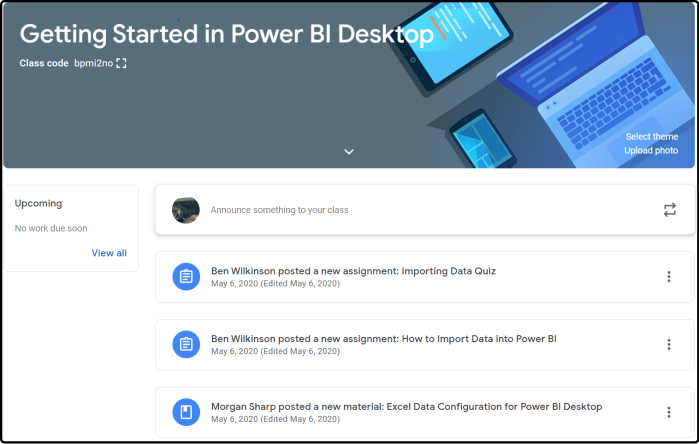
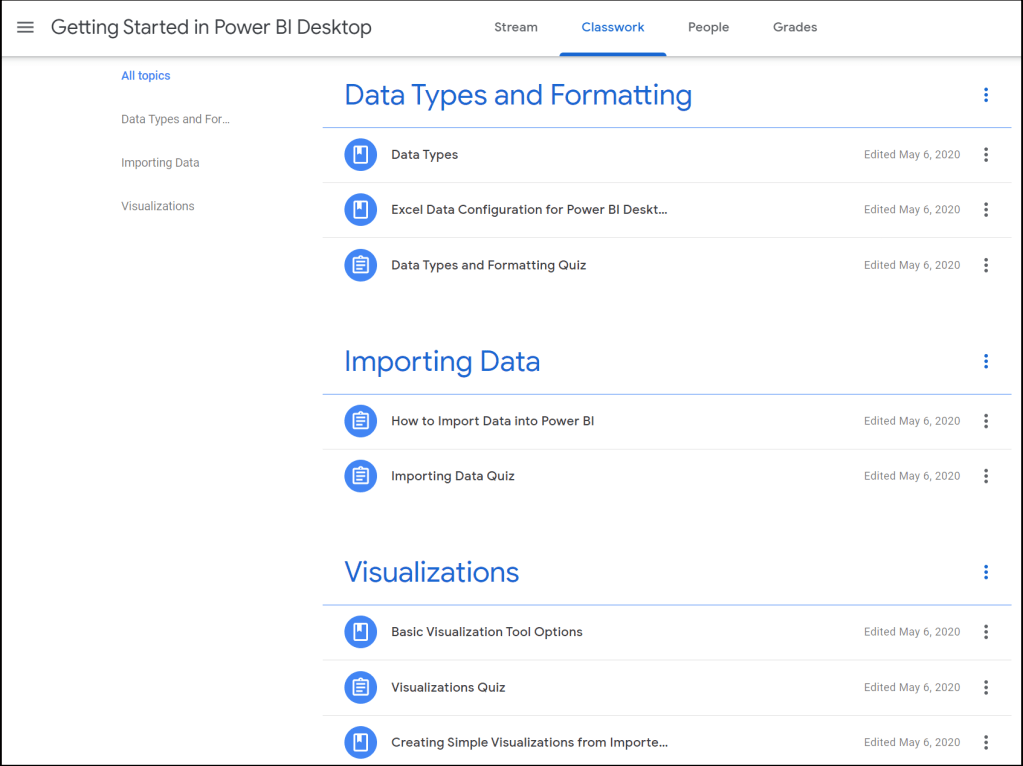
This project was assigned in TECM 5290: Instructional Design. This group assignment was our final project meant to showcase the online training development skills we learned throughout the semester. Our group of three chose an online platform for which to design three training modules. Our instructor, Dr. Lam, suggested we use Google Classroom to upload the modules.
TASK
Initially, there were a couple obstacles:
- Only one member of the group was familiar with Power BI.
- There were few resources for the specific learning areas in which we chose to provide training.
Each of the group members chose a module to build so that the work was distributed evenly. I chose the module “Data Types and Formatting”- the first of the three learning modules.
ACTION
There were several steps we took to succeed in this project:
- Determine three most important Power BI beginner tasks to transform into training modules.
- Take extensive notes while learning the software ourselves.
- Choose best methods of learning (quizzes, PowerPoints, etc.).
- Upload materials to Google Classroom and form quizzes.
- Edit materials for clarity and concision.
Throughout this project, our team decided to use Microsoft Teams to collaborate. We worked together to ensure that our training materials were cohesive and effective. While intimidating at first, the assignment proved to be a great learning experience.
RESULTS
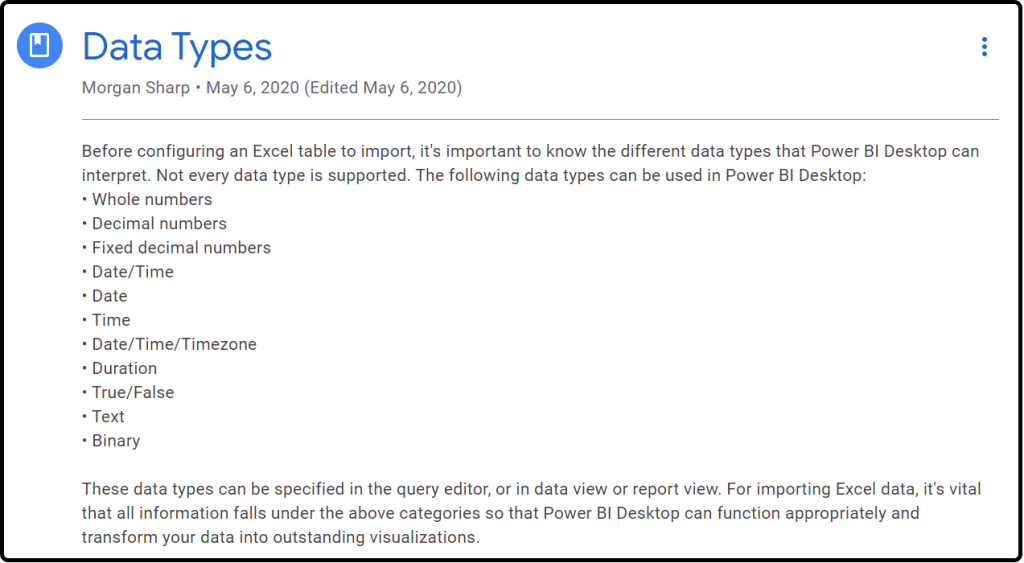
Below are screenshots of my contribution to the project:
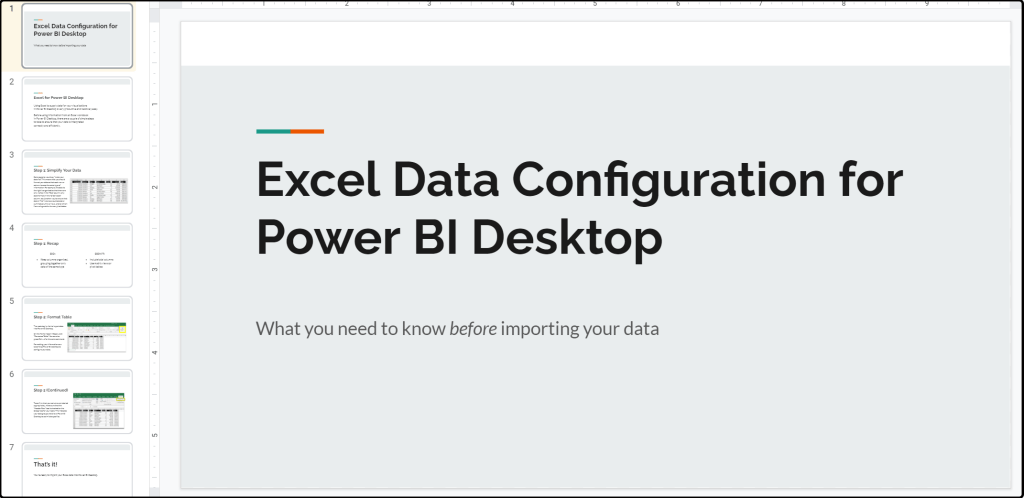
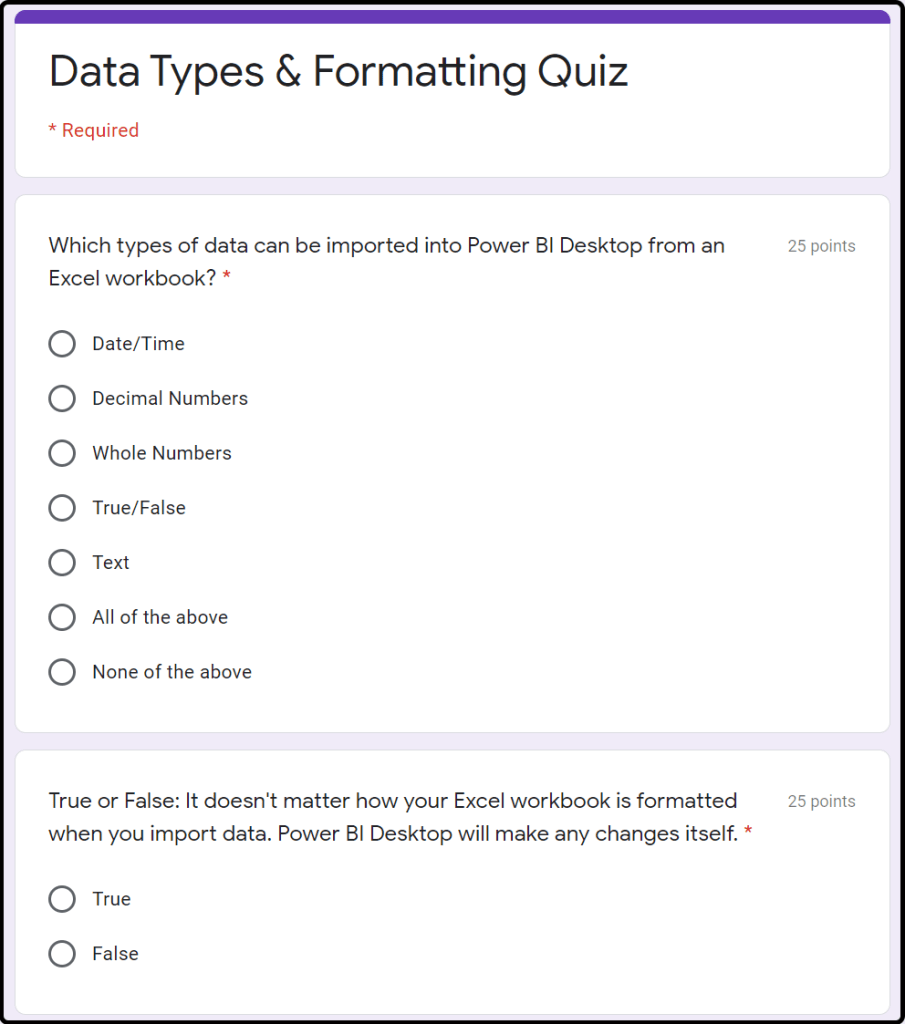
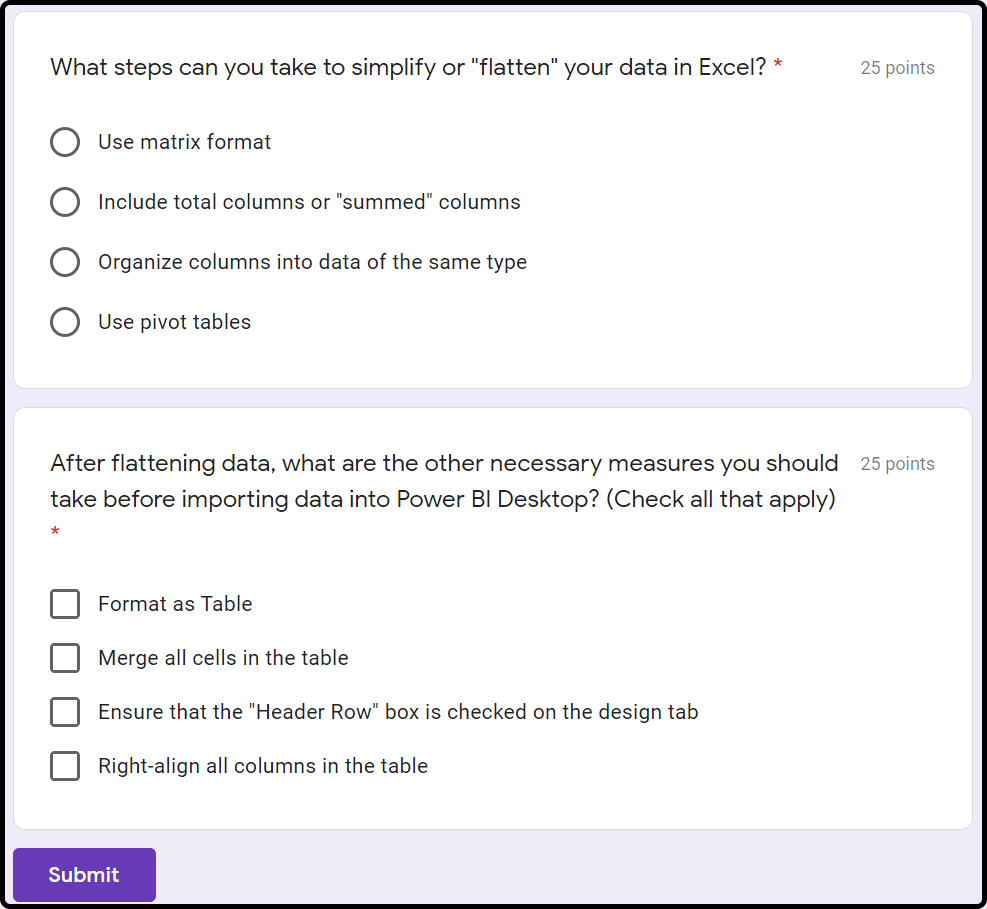
The entire data configuration PowerPoint can be found here. For access to the entire Google Classroom Power BI Training, contact me. Thanks for reading!

 Morgan Sharp